
ItsBot Answers Housecall Pro Gets the Job
If you run on Housecall Pro, ItsBot is the front office that fills it. It answers every call, books the job straight into your Housecall Pro calendar, and captures the customer, so your schedule fills without you touching the phone.

Housecall Pro Is Only as Full as Your Answered Calls.
Housecall Pro is a genuinely good system. It runs your scheduling, your dispatch, your invoicing, and your customer communication, and it does all of it well.
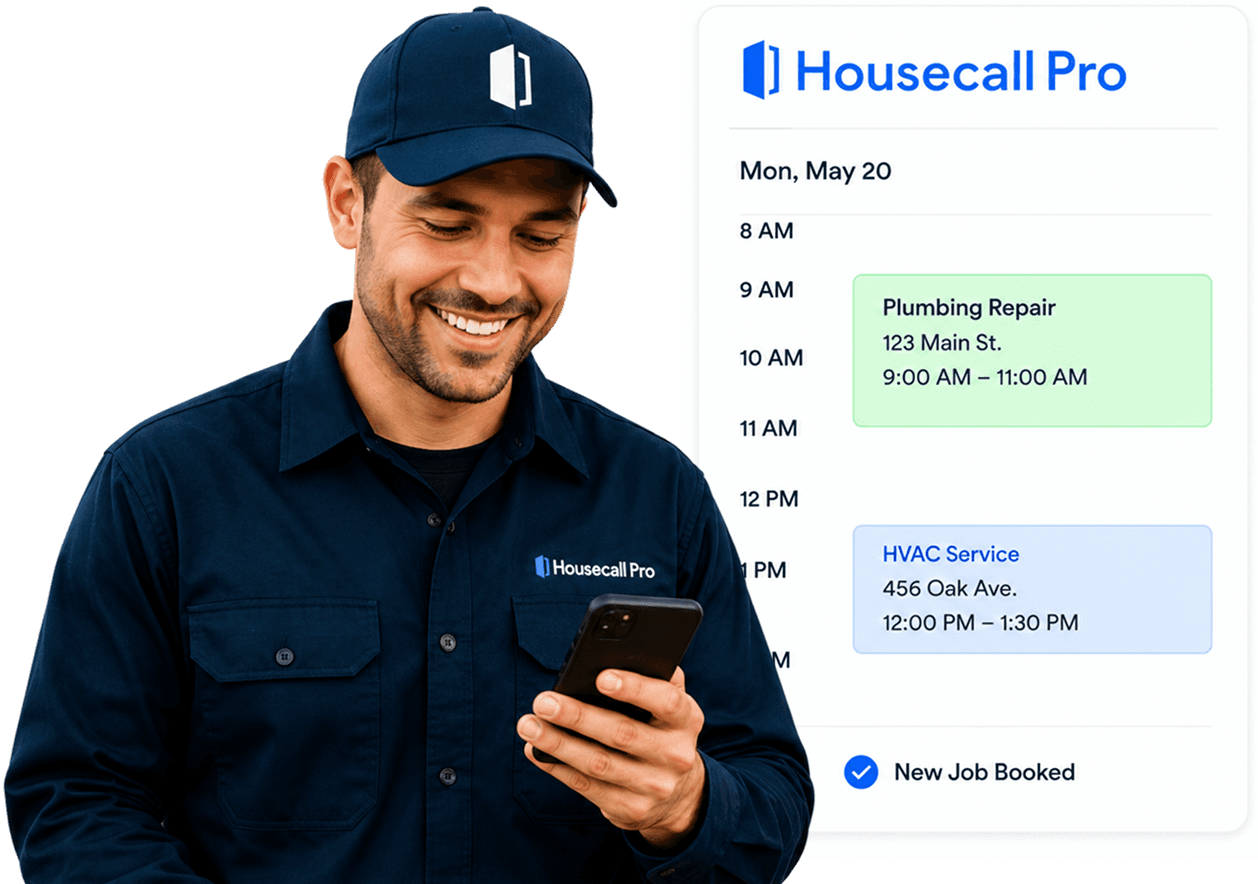
But Housecall Pro has never answered a phone, and it was never built to. It is a system for work you have already won. Between the phone ringing and the job appearing in your schedule, there is one thing: a human being who picks up, works out what the caller needs, checks availability, and types it in. And that human is you, on the tools, with your phone in the van.
So the jobs that make it into Housecall Pro are the calls you happened to be free for. The rest went to voicemail, and voicemail went to a competitor. Your schedule is not a picture of your demand. It is a picture of your availability to answer the phone, which is a completely different thing.
ItsBot closes that gap. It answers the calls you cannot, works out what they need, checks your live schedule, and puts the job in. Nights, weekends, the middle of a job, and the first cold snap when forty people ring at once.
Live Housecall Pro Availability In. Booked Job Out.


It reads your live Housecall Pro schedule before it books.
Not a copy, not a nightly export, not a guess. The real availability, at the moment the customer is on the phone. So there are no clashes and no two techs sent to the same street.

It matches the customer, or creates one.
If the caller is already in Housecall Pro, it finds them and books against the existing record, with their service history attached. If they are new, it creates the customer properly rather than dumping a name and a number into a note

It writes the job into Housecall Pro.
Customer, service address, the job type, the problem as described, the urgency, and the access notes. Written into the fields Housecall Pro expects, so your tech opens it on their phone and knows what they are walking into

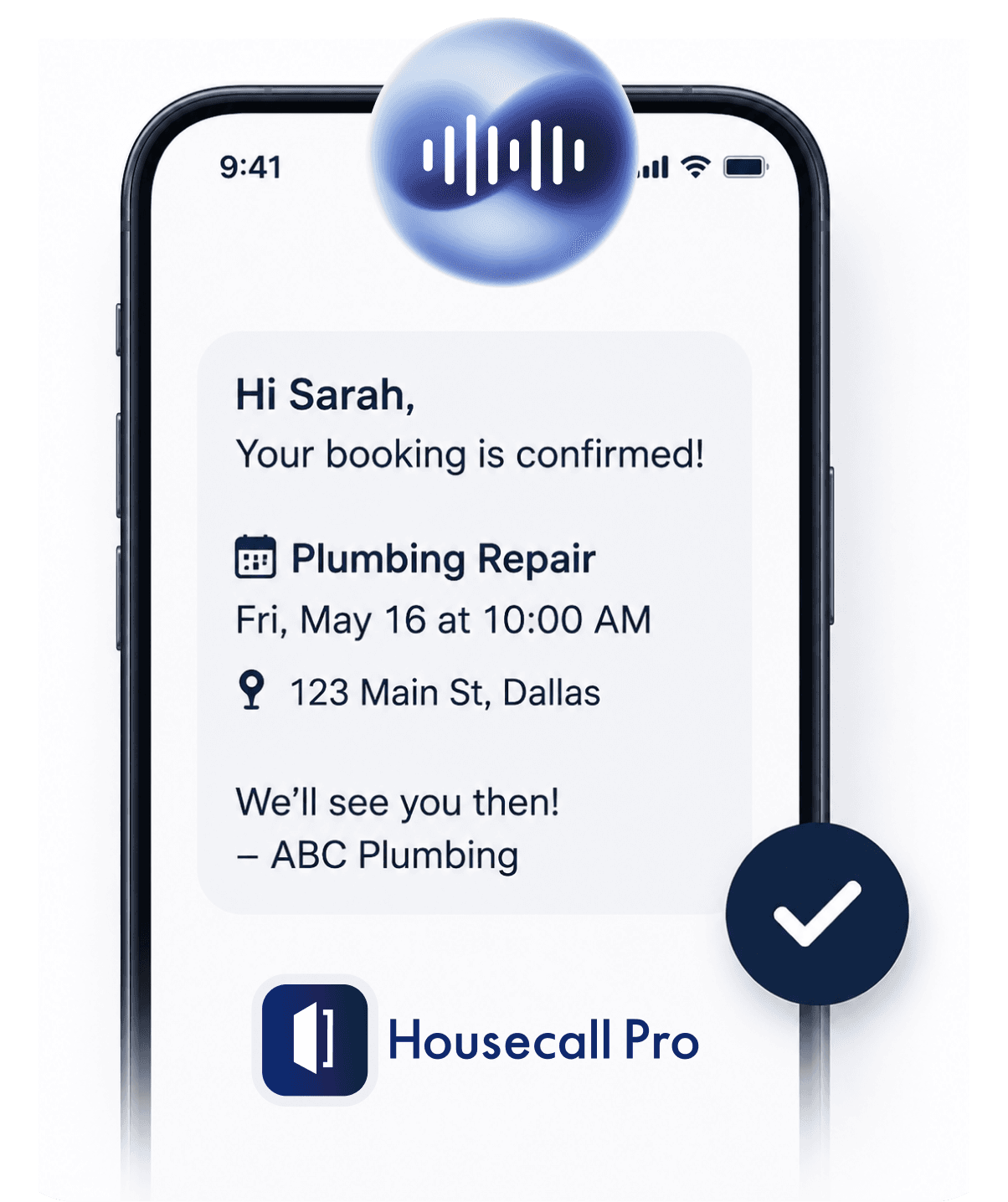
It texts the confirmation.
The customer knows they are booked before they hang up. No "someone will call you back to confirm," which is the sentence that loses the job.

It syncs back.
If you move the job in Housecall Pro, ItsBot knows. If a customer cancels and a slot opens, ItsBot can fill it. One schedule, not two that disagree.
Connect It in a Few Minutes, Not a Few Weeks.
You do not need an implementation consultant and you do not need to migrate anything. You authorise the connection from your Housecall Pro account, we map your services and your booking rules to how you actually work, and you point your number at ItsBot.
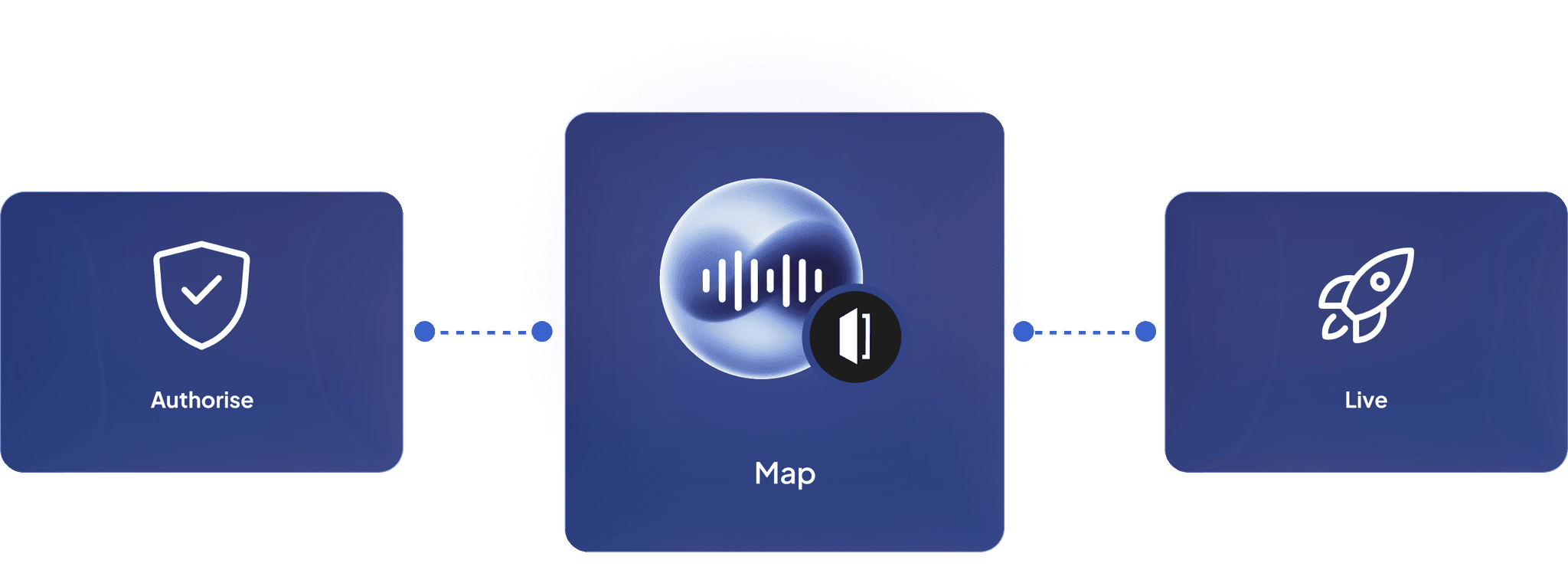
Nothing in Housecall Pro changes. Your team carries on working exactly as they do now, in the same schedule, on the same jobs, with the same app in their pocket. The only difference is that more jobs are in it.
Three Agents, All Writing Into Housecall Pro.

The ItsBot Dispatcher
Answers the day line, triages, books into your Housecall Pro schedule.

The ItsBot After-Hours Agent
Takes the 2 AM call, applies your escalation rules, books tomorrow's slot in Housecall Pro before you wake up.

The ItsBot Estimate Follow-Up
Chases the quiet quotes and books the ones that convert, without anyone having to remember to call back.
Same Voice Agent, three jobs, one calendar.

Proof
Don't Take Our Word For It.
Call the demo line and have a real conversation with the Voice Agent. Then decide.
That is the whole pitch. We are not going to show you a statistic about ourselves. We are going to give you a phone number, and you are going to try to break it.
ItsBot turned our disconnected tools into one system. Leads are followed up instantly, demos increased, and our pipeline finally moves faster.
Mark Steven
Marketing Agency Founder
What is a missed call costing you?
Get StartedFAQ
Frequently Asked Questions
Yes, straight into your schedule, with a confirmation text to the customer.